Vertex Animation vs Skeletal Animation in Unreal Engine 5
The bottleneck with skeletal animation is the CPU, which animates each character on its own. Vertex animation bakes the movement into the vertices and moves that work to the GPU. Thus freeing up your CPU to work on other matters.
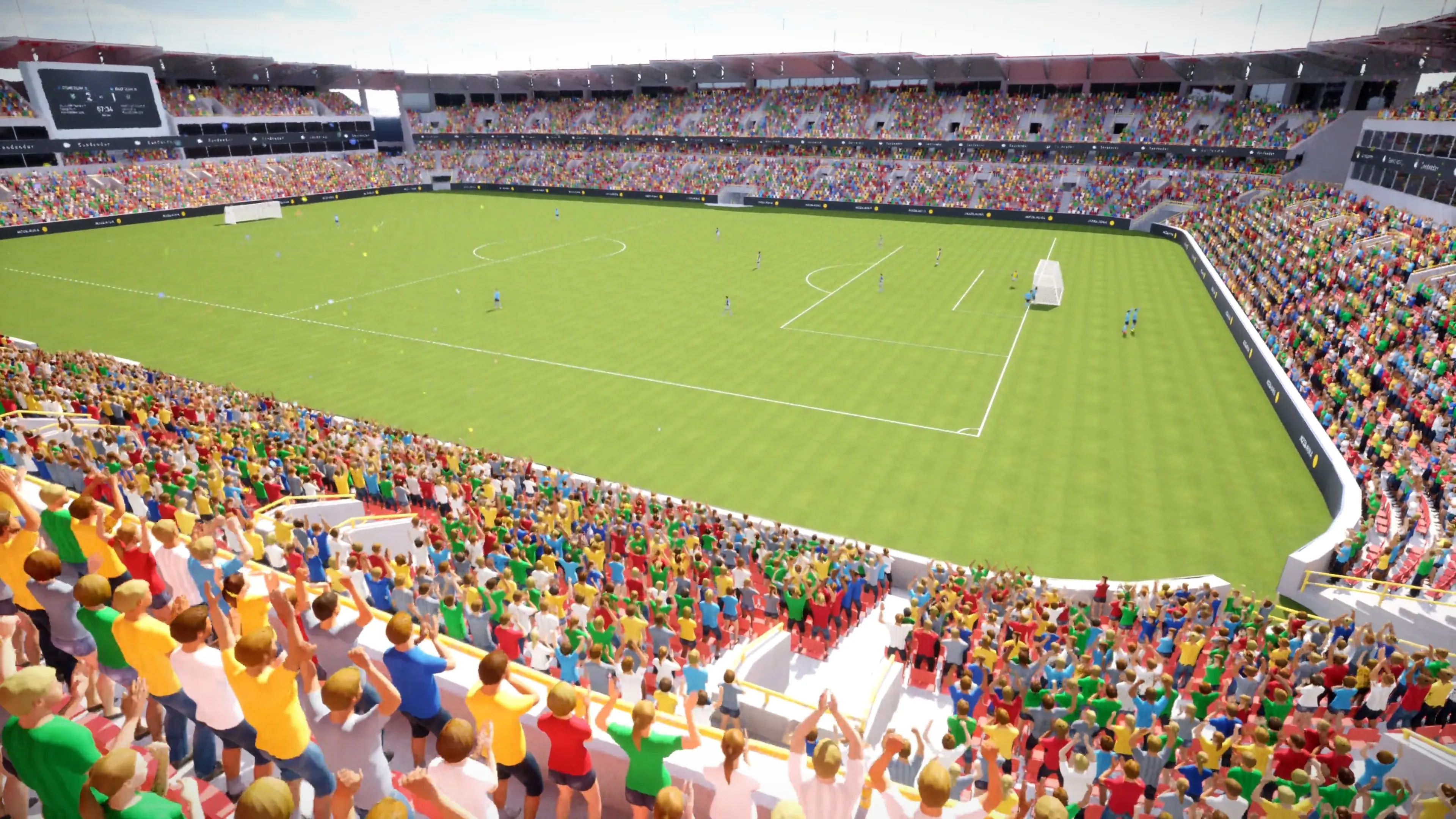
- 200 skeletal meshes
- 15 FPS
- 10,000 vertex animated
- 60 FPS
Skeletal animation
A bone hierarchy drives the mesh. Every frame the CPU evaluates that hierarchy for each character. Because the work is live you can change it at runtime: IK, physics, retargeting, blending. Every extra character pays the full cost again.
Vertex animation (VAT)
The animation is baked ahead of time into a Vertex Animation Texture. At runtime the material reads that texture and moves the vertices on the GPU. Nothing is evaluated per character, so instances render together through hierarchical instancing.
Which one should you use?
Stay on skeletal when
- The character is the player, or gameplay reacts to it
- You need IK, ragdoll, or physics on the skeleton
- There are only a handful of them on screen
Switch to vertex animation when
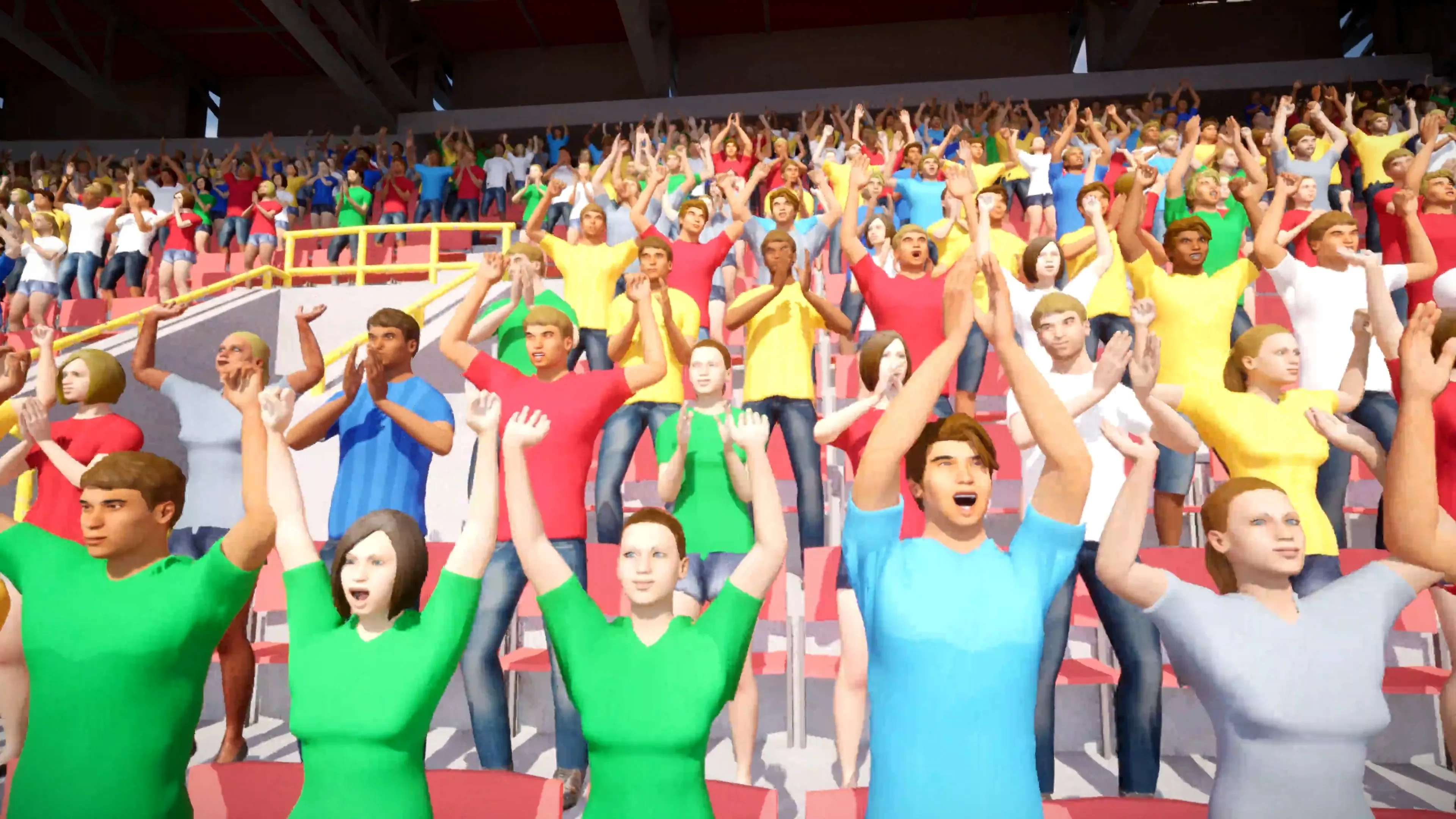
- You need hundreds or thousands of characters at once
- The animation is ambient and loops or cycles
- Frame rate is the constraint, not texture memory
What you give up
Once the animation is baked there is no skeleton left to drive, so IK, physics and per-bone blending are gone. The cost moves rather than disappears: vertex positions live in texture memory instead of CPU time.
Vertex count multiplied by frame count has to fit inside an 8192 by 8192 texture. Dense meshes with long animations need decimating or splitting first. The troubleshooting guide covers how.
Common questions
What is the difference between vertex animation and skeletal animation? +
Skeletal animation moves a bone hierarchy on the CPU every frame. Vertex animation bakes the movement into a texture, a Vertex Animation Texture or VAT, that plays back on the GPU. Skeletal is for characters gameplay reacts to. Vertex animation is for crowds.
Is vertex animation faster than skeletal animation? +
For large numbers of characters, yes, and the gap widens as the count grows. In a stadium scene, Vertex Animation Studio renders 10,000 vertex animated characters at 60 FPS where 200 skeletal meshes drop to roughly 15 FPS. For a single hero character it makes no difference.
Can I use both in the same project? +
Yes. Keep skeletal meshes for the player and any character gameplay reacts to, then convert the background crowd to vertex animation. The two render side by side in the same level with no special setup.
Stop buying multiple VAT plugins hoping one will work.
View on the Fab Store →