
Render 10,000+ Animated Characters at 60 FPS
One-click skeletal-to-VAT conversion. Full crowd editor. The only vertex animation plugin you need for Unreal Engine 5.
UE 5.5+ | Windows, Android, iOS, VR, Xbox, PlayStation | Download free demo
See It In Action
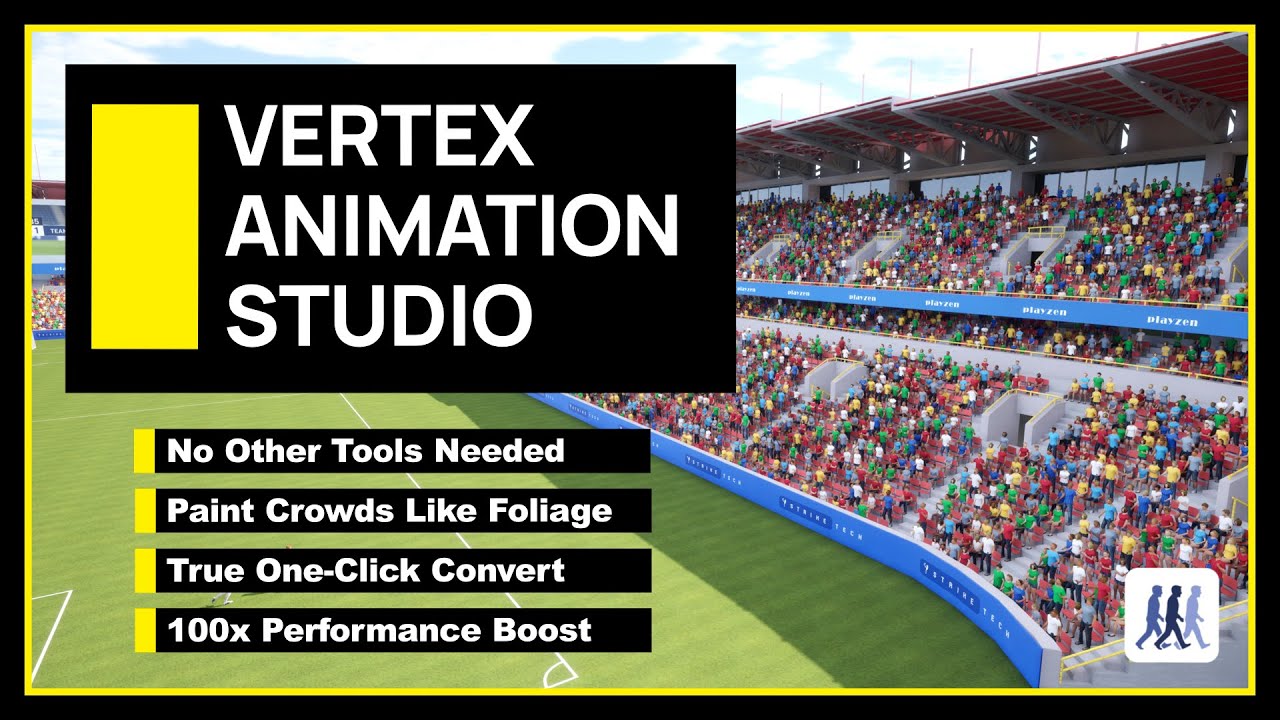
Watch Vertex Animation Studio in action
What it does
- Moves animations off the CPU onto the GPU
- Everything is automated, get working in seconds
- Comes with Crowd Tools for painting crowds with brushes
- Grid placement for stadiums and armies
- Drive crowds from Sequencer for cinematics
- Full Blueprint control at runtime
- Thousands of meshes in one draw call
- Drive crowd behaviour with State Trees, states, events and transitions
- Per-instance colour, state and variation
- Save crowd setups as reusable brushes
- 200 skeletal meshes
- 15 FPS
- 10,000 vertex animated
- 60 FPS
What people who bought it say
I originally bought this to use it in UEFN, but there were a few compatibility issues with the workflow. I reached out to the devs and they were super helpful, they even added a new export feature specifically for it. The plugin itself is amazing, it sped up my workflow so much. What used to take me around 20 mins per VAT asset (not including preparation) to the whole batch being done in a few minutes.
the cleanest, quickest and easiest vat solution i've seen, also has incredible support for issues from the developers.
Devs are very responsive on discord, documentation is extensive and well organized, and the plugin does everything it states it can. Highly recommend.
Gallery
How It Works
From skeletal mesh to massive crowd in three steps.
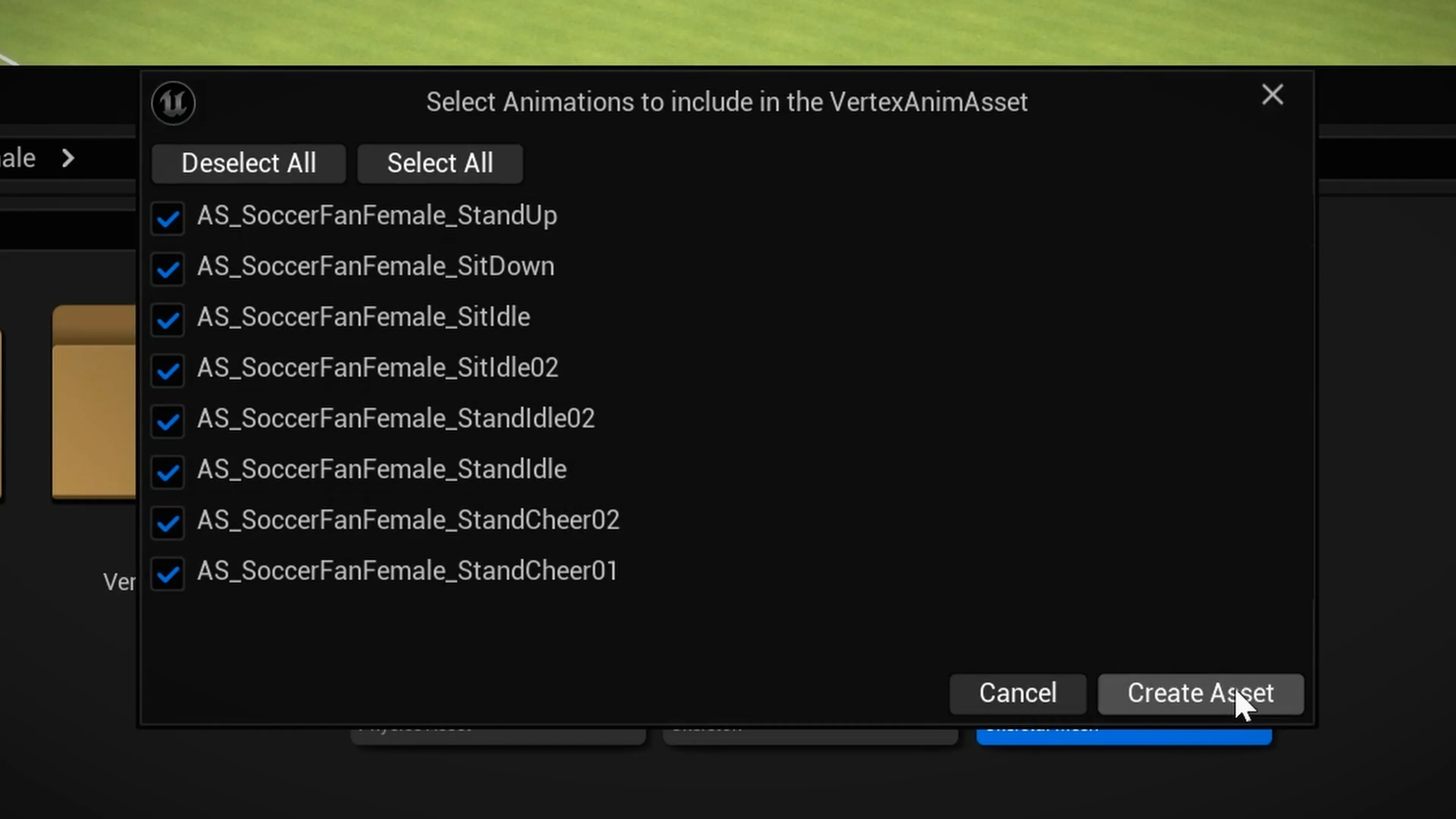
Create Asset Collection
Right-click any skeletal mesh and create a VA Asset Collection. The plugin converts animations into GPU-friendly textures automatically.
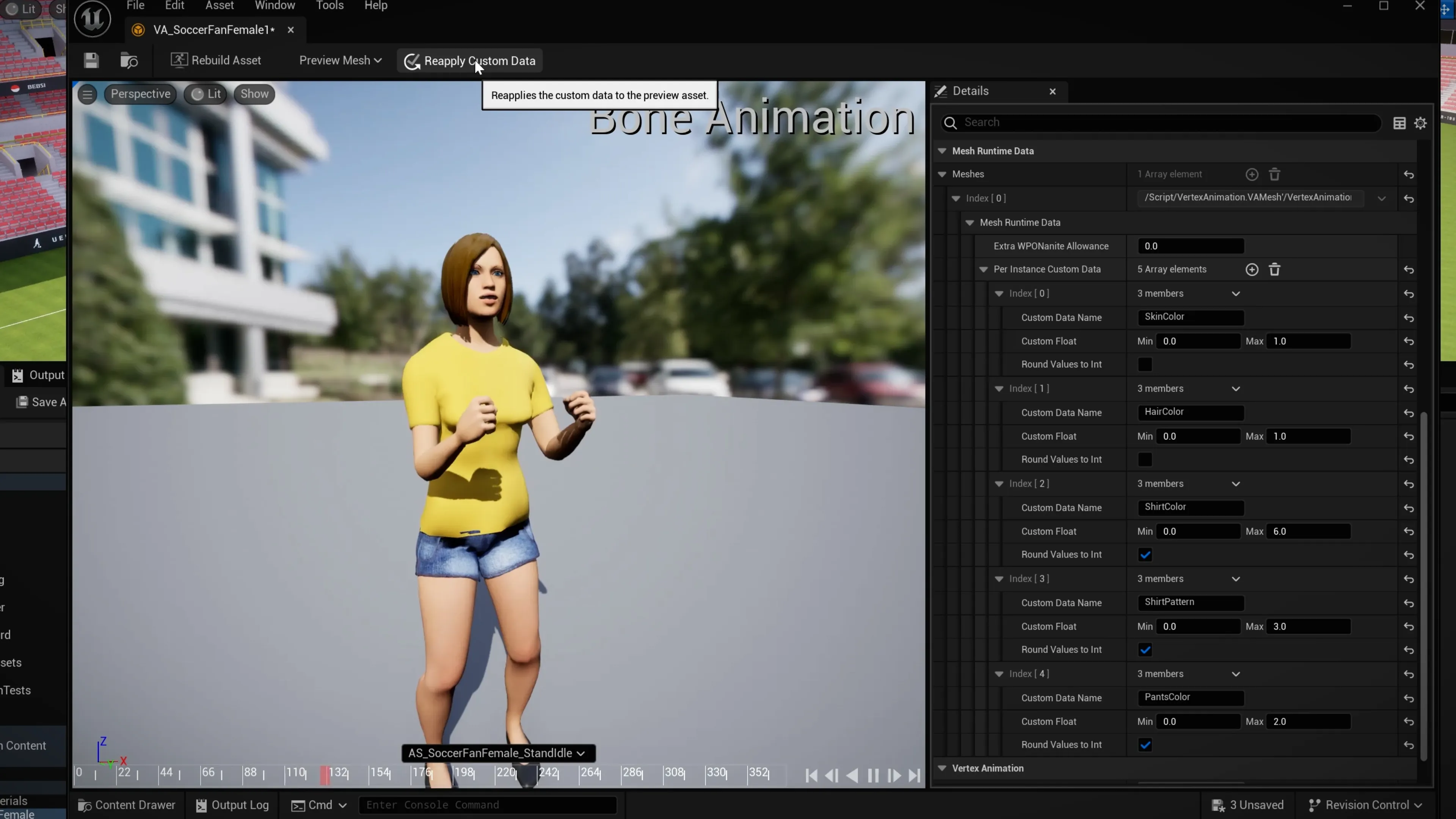
Configure Settings
Fine-tune animation settings, mesh options, and material properties in the visual editor. Preview animations in real-time.
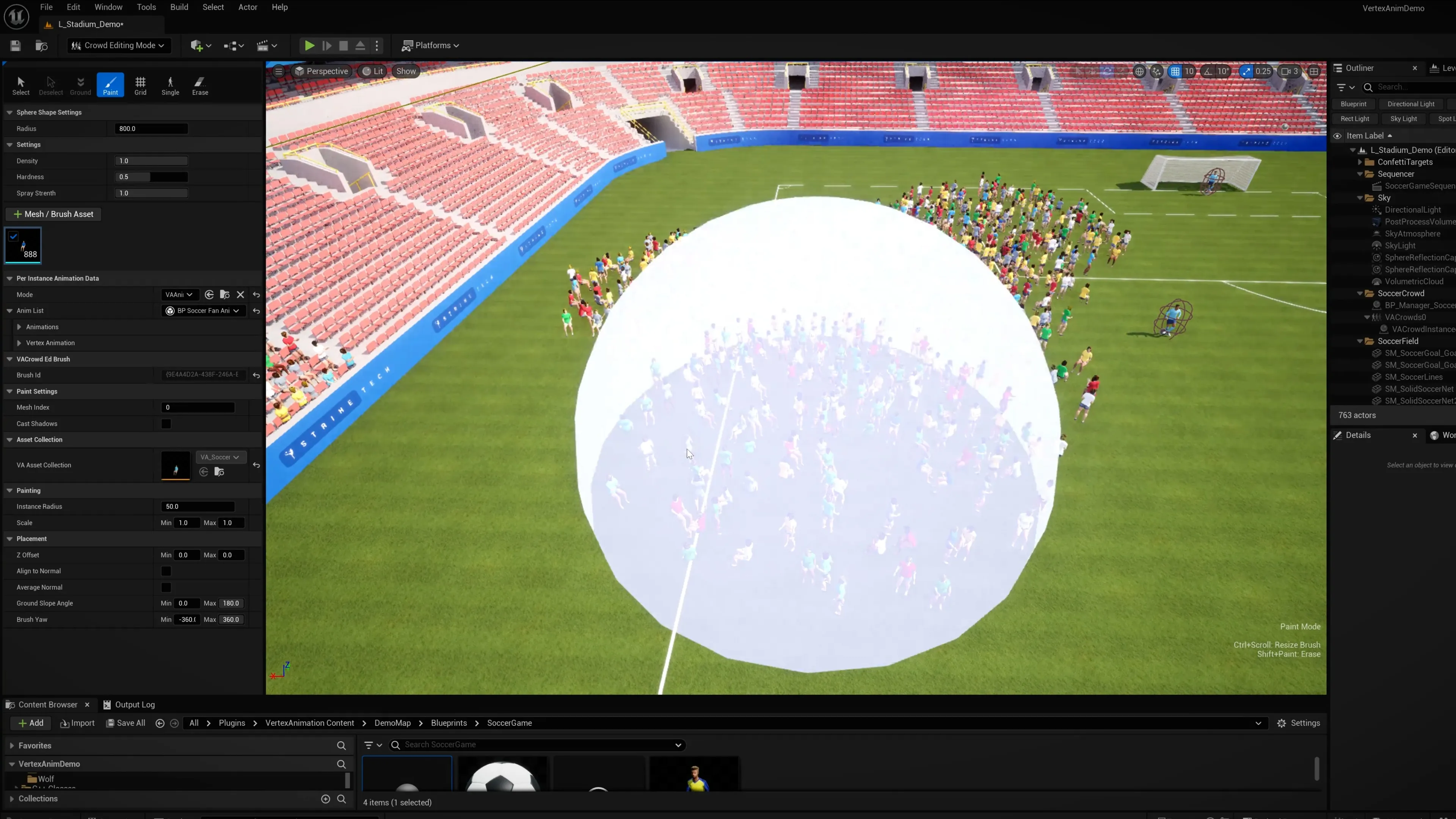
Paint Your Crowd
Use the Crowd Editor to paint, grid-place, or manually position thousands of animated characters in your level.
Compatible with Nanite, Lumen, TSR, World Partition
Video Tutorials
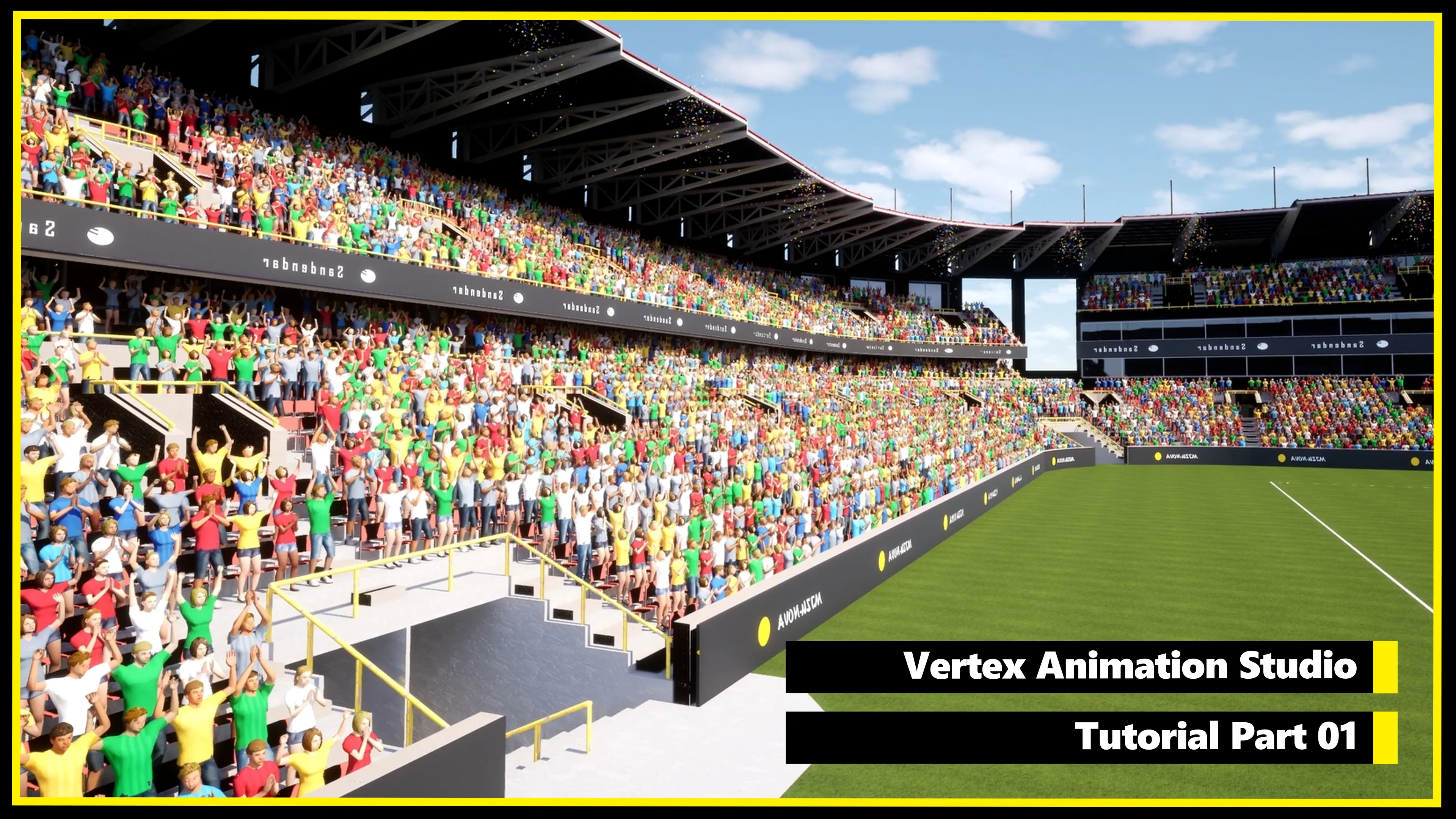
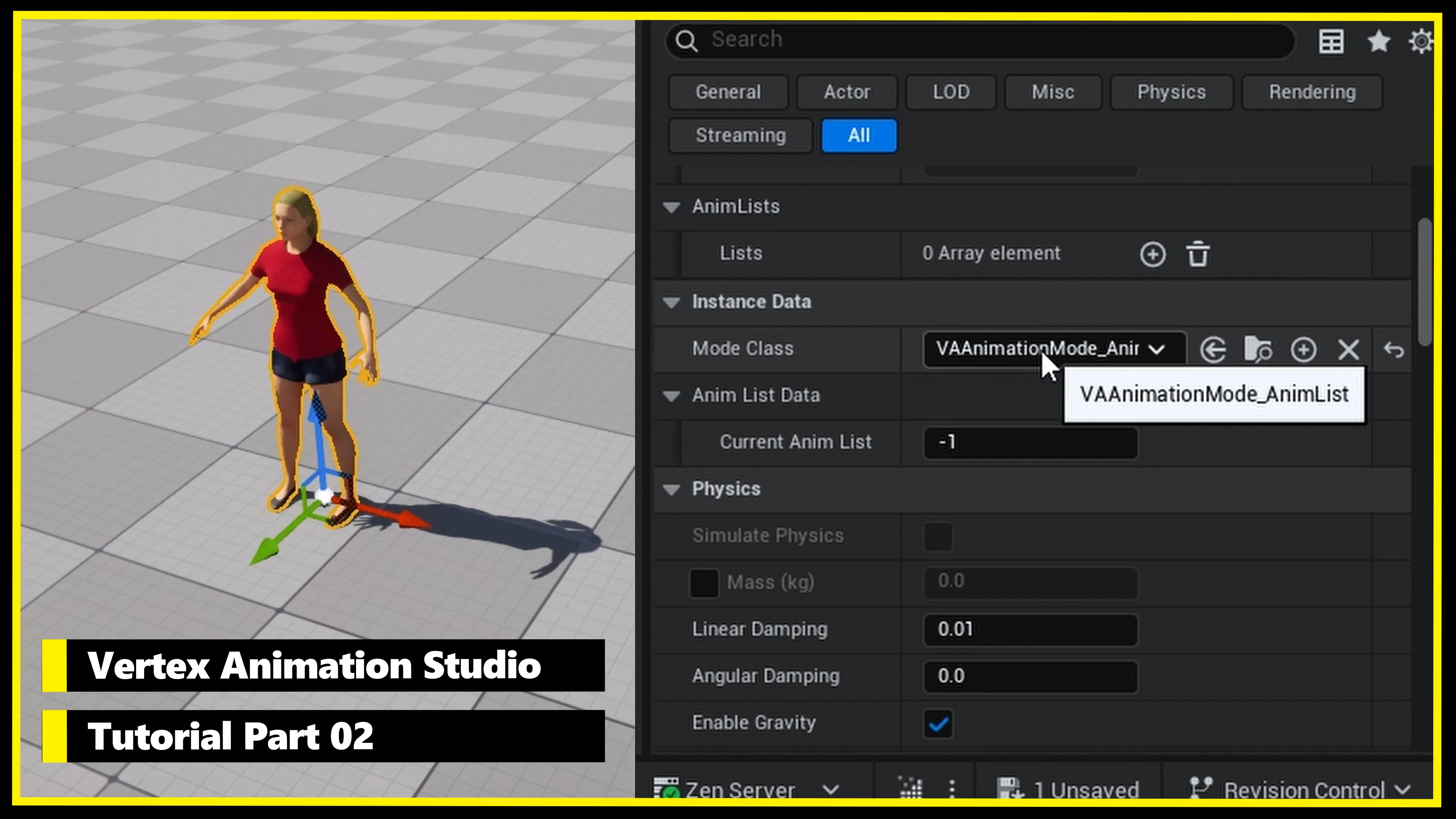
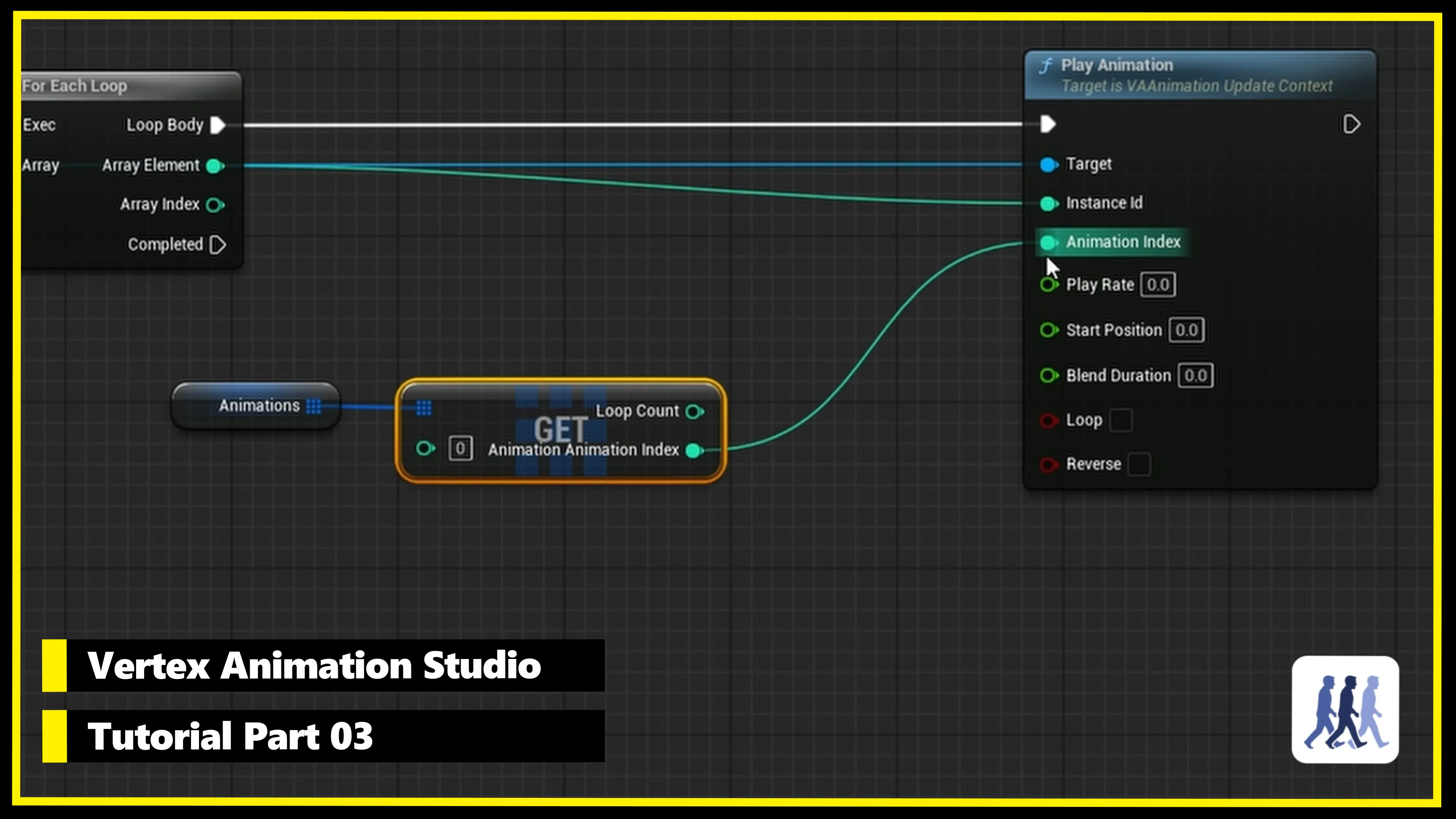
Learn everything from setup to advanced crowd systems in our step-by-step tutorial series.
Personalised Support
Vertex Animation Studio was developed by two passionate senior Unreal Engine developers who are available for any support requests on Discord. We usually respond within 24 hours.
We also provide extensive up to date documentation in our developer wiki.
Join the Community
Get help, share your creations, and connect with other developers.
Join Discord ServerStop buying multiple VAT plugins hoping one will work.
View on the Fab Store →