
Vertex Animation Studio for UE5
Convert skeletal mesh characters into high-performance vertex animations for rendering crowds and multiple animated characters. Vertex Animation Studio preserves animation quality while reducing CPU overhead and enabling efficient GPU-based rendering through mesh instancing.
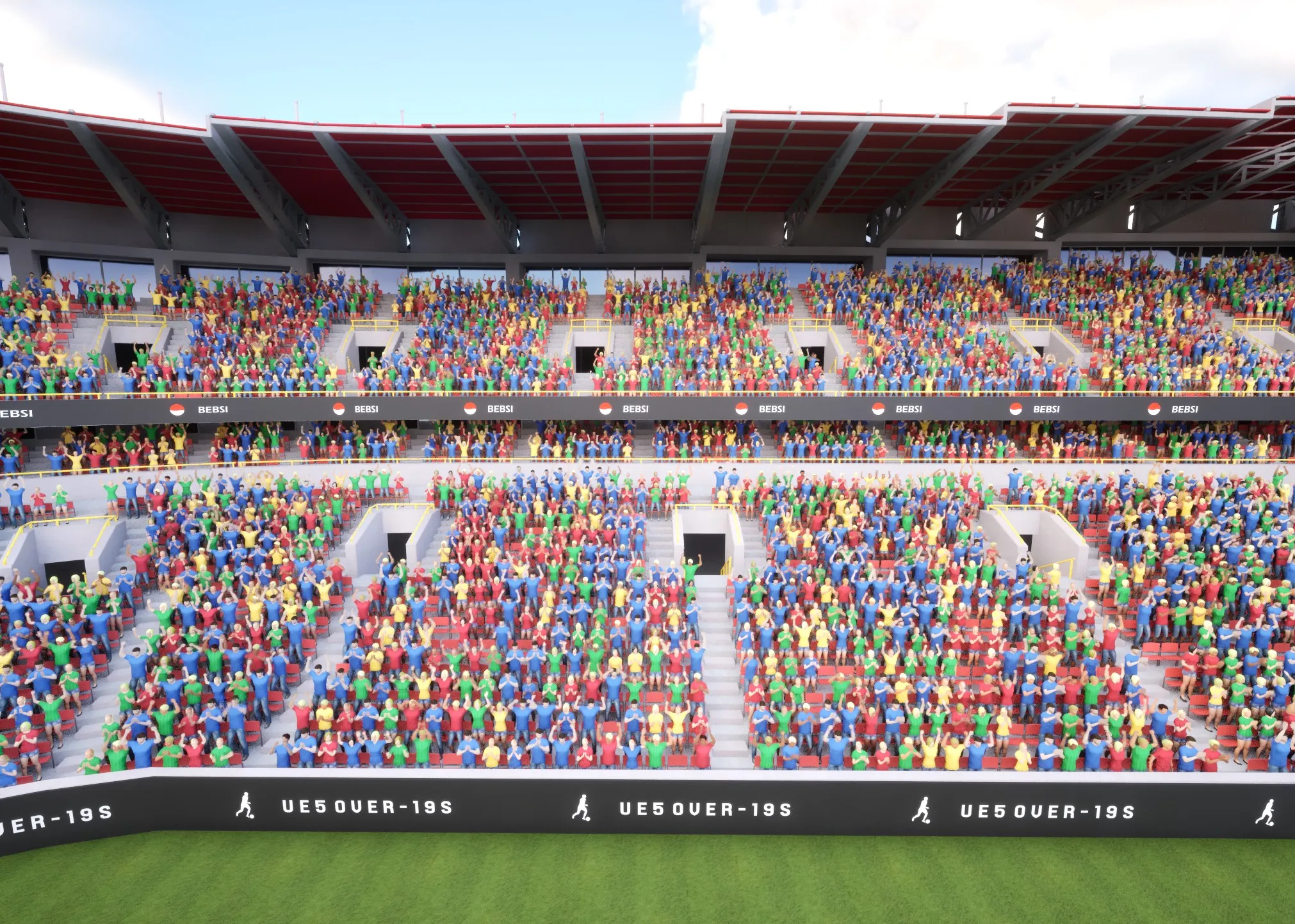
Core Features
Section titled “Core Features”Main Components
Section titled “Main Components”- Vertex Anim Mesh Component: For single-character implementations requiring individual control
- Vertex Anim Instanced Mesh Component: For efficient rendering of multiple characters
- Animation System: Manages animation playback through Single and AnimList modes
- VA Asset Collection: Manages and stores all data required for vertex animations. It serves as a container holding meshes, animations, and associated data
- Crowd Tools Editor Mode: For visual management and configuration of character groups
Vertex Animations
Section titled “Vertex Animations”- Animation Types:
- Bone Animations: Enables sharing between meshes, ideal for memory-flexible projects
- Vertex Animations: Reduces material costs, requires more texture memory, unique per mesh
- Blueprint Integration: Program animation behavior using Blueprint-based control systems
- Sequencer Integration: Use vertex animations in cinematic sequences and cutscenes
Workflow Integration
Section titled “Workflow Integration”- Convert skeletal meshes with right-click menu
- Automatic material fixes during conversion
- Editor tools for placing and managing crowds
- Timeline control through Sequencer
Use Cases
Section titled “Use Cases”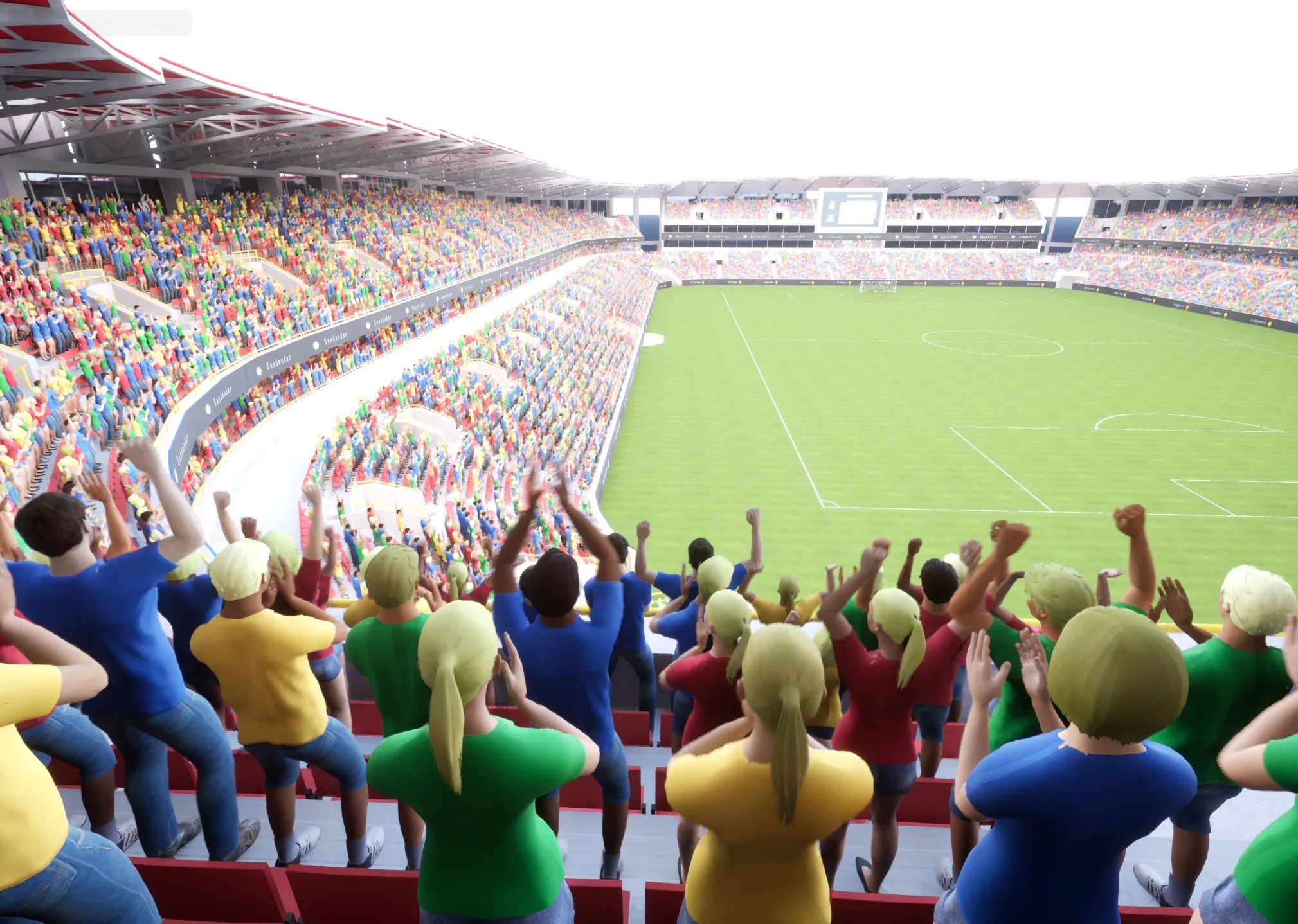
The plugin is most effective for:
- Dense urban environments with background NPCs
- Large-scale battle sequences
- Games requiring numerous background characters
- Performance-critical scenes with multiple animations
Technical Overview
Section titled “Technical Overview”Performance
Section titled “Performance”- Eliminates per-frame skeletal computation overhead
- Uses GPU-efficient instanced rendering
- Optimizes memory usage through shared resources
- Scales effectively with large numbers of characters
Development
Section titled “Development”- Compatible with UE 5.5 and above
- Flexible animation management
- Integrated editor tools
To Get Started
Section titled “To Get Started”- Follow the Getting Started guide to begin implementing the Vertex Animation Studio in your project
- Explore the Troubleshooting page if you encounter any issues